Acrylic QR Code Stands in Dubai: A Guide to Menu, Payment, Google Review and Social Media Table Displays
A practical guide for restaurants, hotels, clinics, salons, offices and retail businesses planning branded acrylic QR code displays.
A QR code stand may look like a simple counter sign. However, its size, colour, surface finish and placement can decide whether customers scan it or ignore it.
A restaurant may use one for its digital menu. A clinic may link it to appointment booking. Meanwhile, a retail shop may direct customers to WhatsApp, Instagram, a payment page or a product catalogue.
This guide covers the main decisions behind acrylic QR code stands in Dubai for restaurants, hotels, clinics, salons, offices, retail counters and events. It explains stand formats, QR code sizing, contrast, printing, engraving, glare control, testing and maintenance.
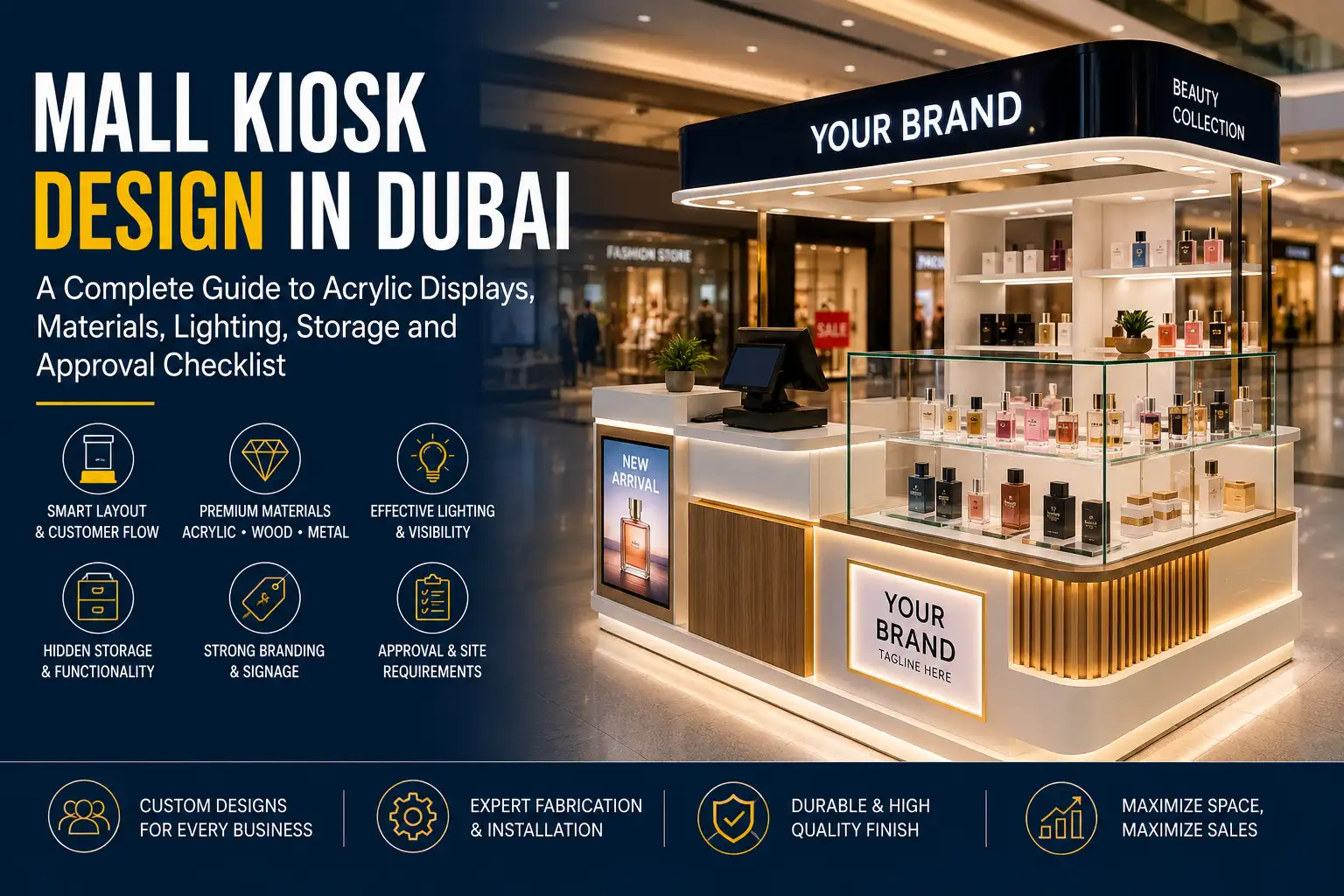
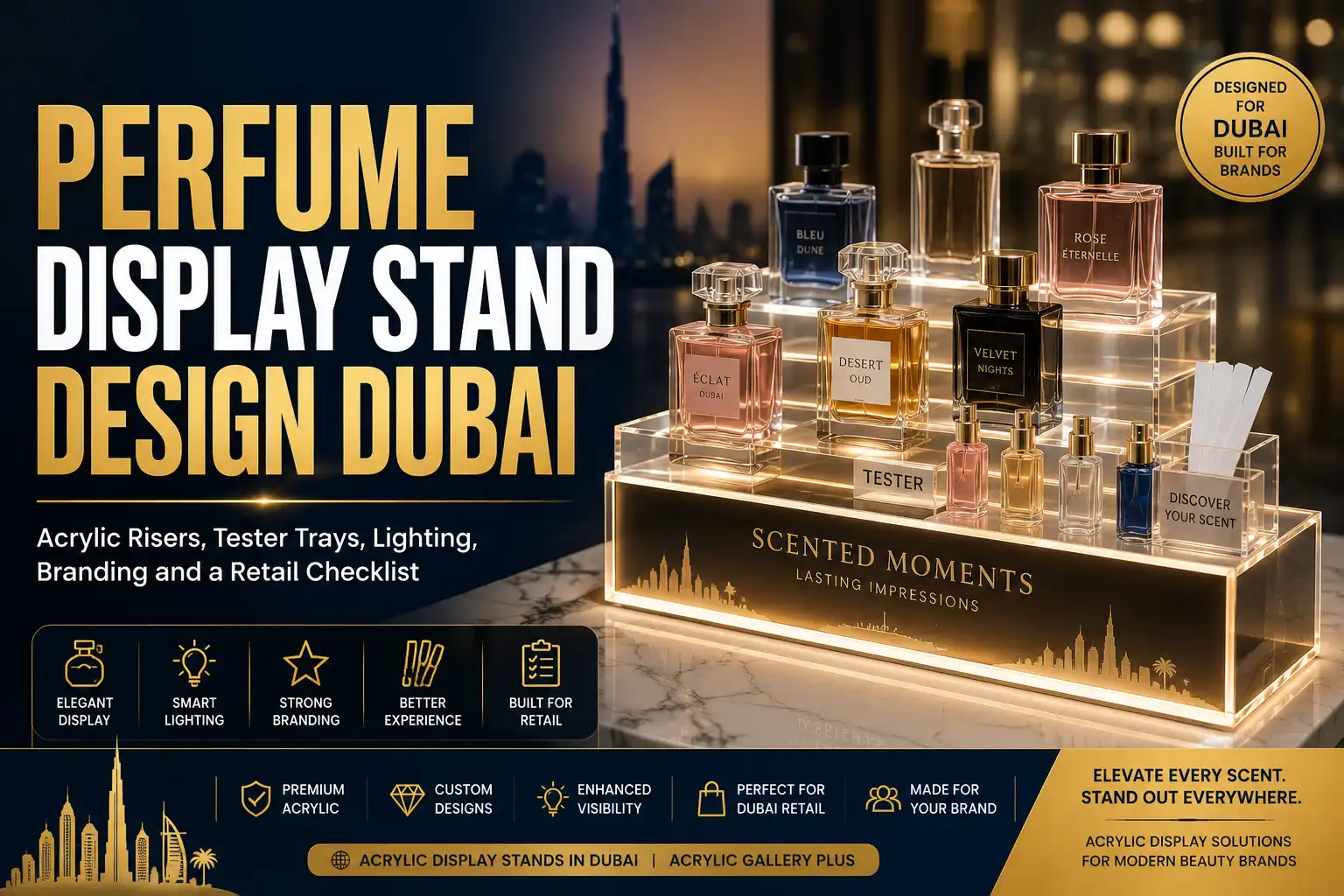
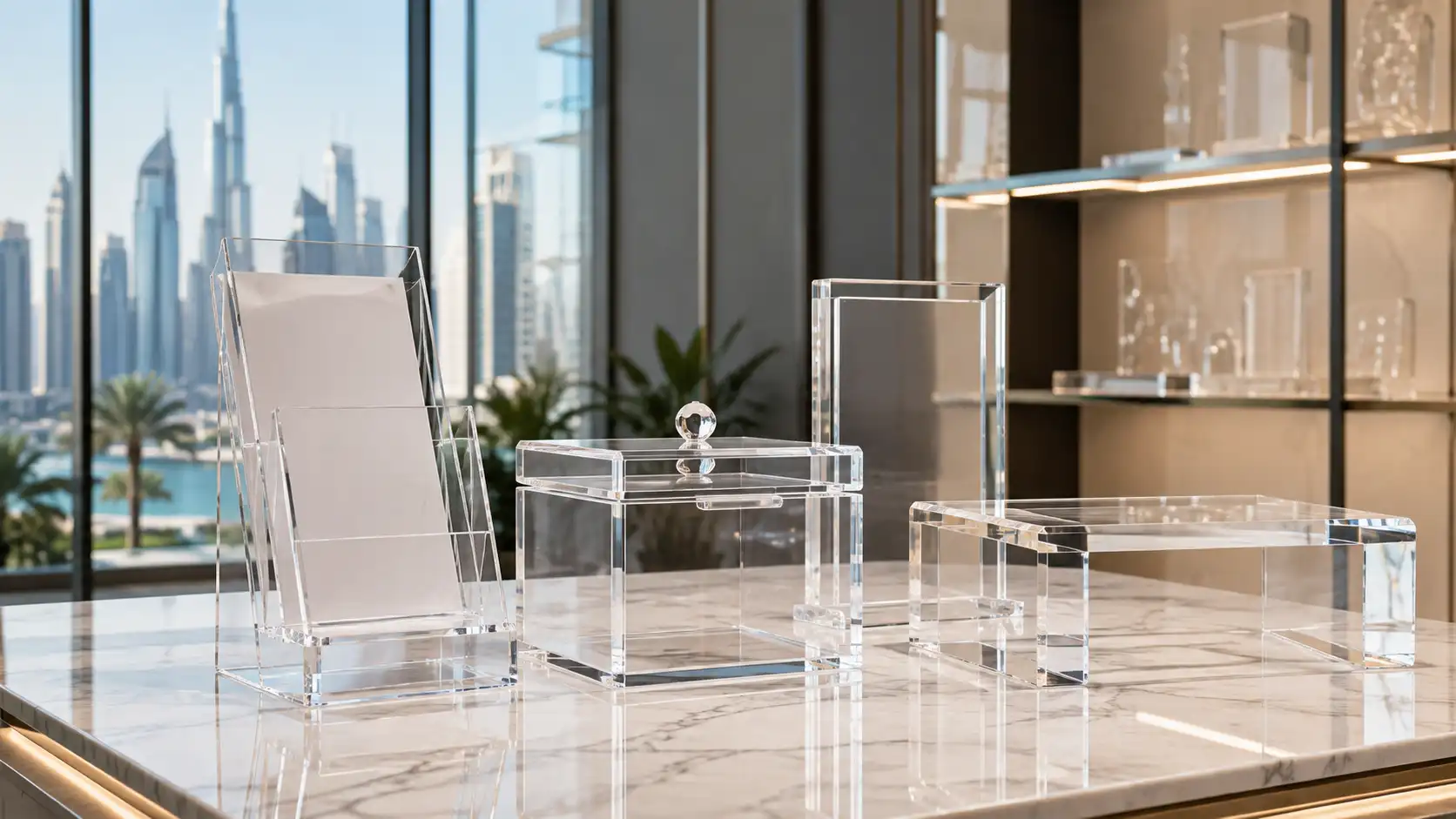
Businesses that already have an approved QR code and display size can view custom acrylic display stands in Dubai for direct fabrication enquiries.
What Is an Acrylic QR Code Stand?
An acrylic QR code stand is a tabletop, counter or wall-mounted display that carries a scannable QR symbol. The code may link to a website, digital menu, payment page, review form, Wi-Fi login, booking system or social media account.
Common formats include:
- L-shaped tabletop signs
- T-shaped double-sided stands
- Acrylic block displays
- Replaceable insert holders
- Wall-mounted signs
- Freestanding counter displays
- QR signs combined with brochure or menu holders
The stand does not create or manage the destination page. Instead, it presents the approved QR code at a useful angle and scanning distance.
For that reason, the linked page must work before production begins. A perfectly printed code cannot correct an expired menu, broken booking page or incorrect payment account.
Where Dubai Businesses Use QR Code Stands
Restaurants and Cafés
Restaurants commonly use QR stands for digital menus, table ordering, reservations and feedback forms.
A menu stand should sit where customers can scan it without lifting or moving other table items. Also, the instruction should remain short. “Scan to View Menu” usually works better than a full paragraph.
Businesses that want a QR sign combined with a printed card or menu insert may also consider acrylic brochure and menu holders in Dubai.
Hotels and Hospitality Businesses
Hotels may place QR displays in rooms, lobbies, restaurants, spas and reception areas.
Possible links include:
- Room-service menus
- Wi-Fi access
- Guest information
- Housekeeping requests
- Spa bookings
- Location maps
- Feedback forms
- Google reviews
A hotel-room stand may need a replaceable insert because menus, passwords and service details can change.
Retail Shops and Showrooms
Retail businesses use QR codes to connect physical products with online information.
A counter stand can link customers to:
- Product catalogues
- WhatsApp enquiries
- Payment pages
- Warranty registration
- Current promotions
- Social media profiles
- Delivery information
- Customer reviews
The stand should not block products or payment equipment. Instead, it should sit close enough for customers to scan while remaining outside the main working area.
Clinics and Salons
Clinics, salons and wellness centres can use QR displays for appointment booking, service menus, contact details and aftercare instructions.
They may also request customer feedback after a completed visit. However, the review request should remain neutral. Customers should feel free to share their genuine opinion rather than being asked only for a positive rating.
Events and Exhibitions
At exhibitions, QR stands reduce the need for printed brochures. Visitors can scan a code to open a catalogue, registration form, price list or enquiry page.
Since exhibition counters can become crowded, the stand should remain visible from the customer side. A larger code may also help when visitors scan from a standing position.
Menu, Payment, Review or Social Media: Which Stand Do You Need?
Digital Menu QR Stand
A digital-menu stand should open the current menu directly. Avoid sending customers to a general home page where they need to search for it.
If the menu link may change, choose a replaceable insert or a managed dynamic QR code. That approach can prevent the need to remake the full acrylic display.
Keep the visible message simple:
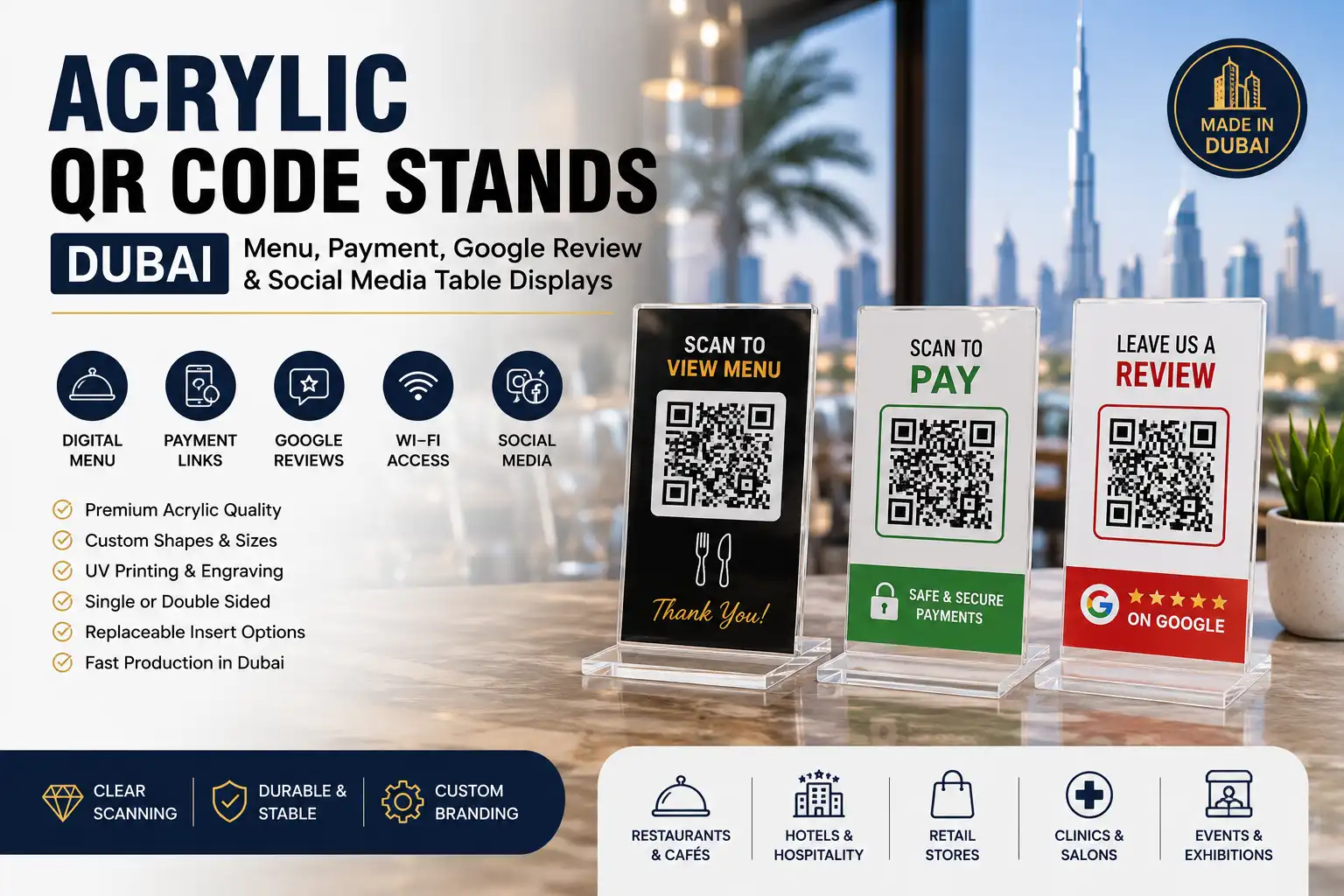
- Scan to View Menu
- View Our Drinks Menu
- Scan to Order
- View Today’s Offers
Payment QR Stand
Payment codes need careful checking before printing. The business should confirm the account, currency, payment provider and final destination.
The stand should also remain close to the payment counter. At the same time, decorative graphics must not interfere with the code.
For temporary payment campaigns, a replaceable insert may offer more flexibility than permanent printing.
Google Review QR Stand
Google Business Profile allows eligible businesses to create and download a QR code that directs customers to the review form. Businesses can find this option through their profile under the section for getting more reviews.
Google explains the process in its official guide to creating and sharing a Google review QR code.
A review stand may carry a short message such as:
- Share Your Feedback
- Leave Us a Google Review
- Tell Us How We Did
Do not make the message too forceful. Also, avoid offering an incentive only in return for a positive review.
Social Media QR Stand
A social-media display can link to Instagram, TikTok, Facebook, LinkedIn or a combined landing page.
For one platform, a single QR code gives the cleanest layout. If the business needs several platforms, one landing-page code may look better than four separate codes.
Wi-Fi QR Stand
Wi-Fi QR stands suit cafés, hotel rooms, offices and waiting areas.
Place them where genuine visitors can access them. In addition, choose a replaceable format if the password changes regularly.
Choosing the Right Stand Format
L-Shaped Stand
An L-shaped stand has a sloped or upright front panel supported by a bent base. It offers a simple layout for counters, tables and reception desks.
This format works well for:
- One QR code
- One short instruction
- A company logo
- Small contact details
Its broad base also provides reasonable stability without using much counter space.
T-Shaped Double-Sided Stand
A T-shaped stand displays information on both sides. Therefore, it suits restaurant tables, shared counters and event desks.
Both faces may show the same code. Alternatively, one side can carry a menu code while the other requests feedback.
However, customers must understand each side immediately. Avoid placing unrelated messages together without clear headings.
Acrylic Block Stand
Acrylic block displays have a heavier and more solid appearance. Hotels, luxury stores and corporate receptions may prefer this style.
The graphic may appear inside, behind or on the acrylic block. Still, reflection and distortion require testing before bulk production.
Replaceable Insert Holder
An insert holder allows staff to change the printed card without replacing the acrylic structure.
This format suits:
- Seasonal menus
- Changing payment codes
- Wi-Fi passwords
- Promotions
- Branch-specific information
- Temporary events
The insert slot should hold the paper flat. Otherwise, curved or wrinkled graphics may affect scanning.
Wall-Mounted QR Display
Wall-mounted signs save counter space. They work well near entrances, lifts, waiting areas and service points.
Before fabrication, confirm the expected viewing distance and mounting height. A code that works on a table may appear too small when fixed to a wall.
How Large Should the QR Code Be?
There is no single size that works in every location.
A restaurant customer may scan from 20 or 30 centimetres away. In contrast, a code placed at a shop entrance may need to work from a much greater distance.
The final size depends on:
- Scanning distance
- Amount of data in the code
- Print quality
- Lighting
- Surface reflection
- Camera angle
- Phone model
- Surrounding artwork
Therefore, test the final printed code from the expected position. Do not rely only on a digital preview.
A larger code is usually safer when the customer will stand rather than sit. However, increasing the size will not fix poor contrast or an incomplete quiet zone.
Why the Quiet Zone Matters
A QR code needs a clear margin around all four sides. This area is called the quiet zone.
DENSO WAVE’s official QR Code guidance states that the margin should be four modules wide on every side of the symbol. A module is one of the small square units that forms the code.
More details are available in the official QR Code design and quiet-zone guidance.
The quiet zone separates the code from nearby text, logos, borders and background patterns.
- Do not place a decorative border against the code.
- Keep company logos outside the quiet zone.
- Avoid busy photographs behind the symbol.
- Do not reduce the margin to make room for extra text.
- Test the completed stand after printing.
Important: a code may scan correctly on a computer screen but fail after a border, background pattern or reflective surface is added to the final stand.
Contrast and Acrylic Colour Selection
Clear Acrylic
Clear acrylic gives a light and neat appearance. However, a QR code printed directly on a fully transparent surface may pick up colours and patterns from the background.
For better scanning, use a white printed backing behind the code. This creates stable contrast even when the stand moves between different counters.
White Acrylic
White acrylic provides a strong background for a standard dark QR symbol.
It also works well with coloured logos and bilingual text. As a result, it is one of the safest choices for scanning reliability.
Black Acrylic
Black acrylic can create a premium appearance. However, the QR code usually needs a white or light panel.
Reflections may also appear under bright counter lighting. Therefore, test the actual surface before approving the full quantity.
Coloured Acrylic
Brand-coloured acrylic can support the overall design. Still, colour should remain outside the main scanning area unless the code has passed careful testing.
Dark blue, green, red or gold graphics may look attractive, but weak contrast can reduce scanning speed.
Mirror Acrylic
Mirror acrylic suits selected luxury displays and logo details. However, it is rarely the safest background directly behind a QR code.
Strong reflection can confuse the camera or create bright glare. Use mirror acrylic as a border, base or logo layer instead.
Printed, Engraved or Replaceable QR Codes
UV-Printed QR Code
UV printing places the QR code, logo and instruction directly onto the acrylic surface.
It suits:
- Permanent menus
- Google review stands
- Social media displays
- Branded counter signs
- Bulk branch orders
Printing supports sharp black-and-white contrast and full-colour branding. However, the business should confirm the final destination before production.
Laser-Engraved QR Code
Laser engraving creates a permanent mark on the acrylic.
It can work well when the engraved area has enough contrast against the background. Still, not every clear engraved code will scan reliably in every lighting condition.
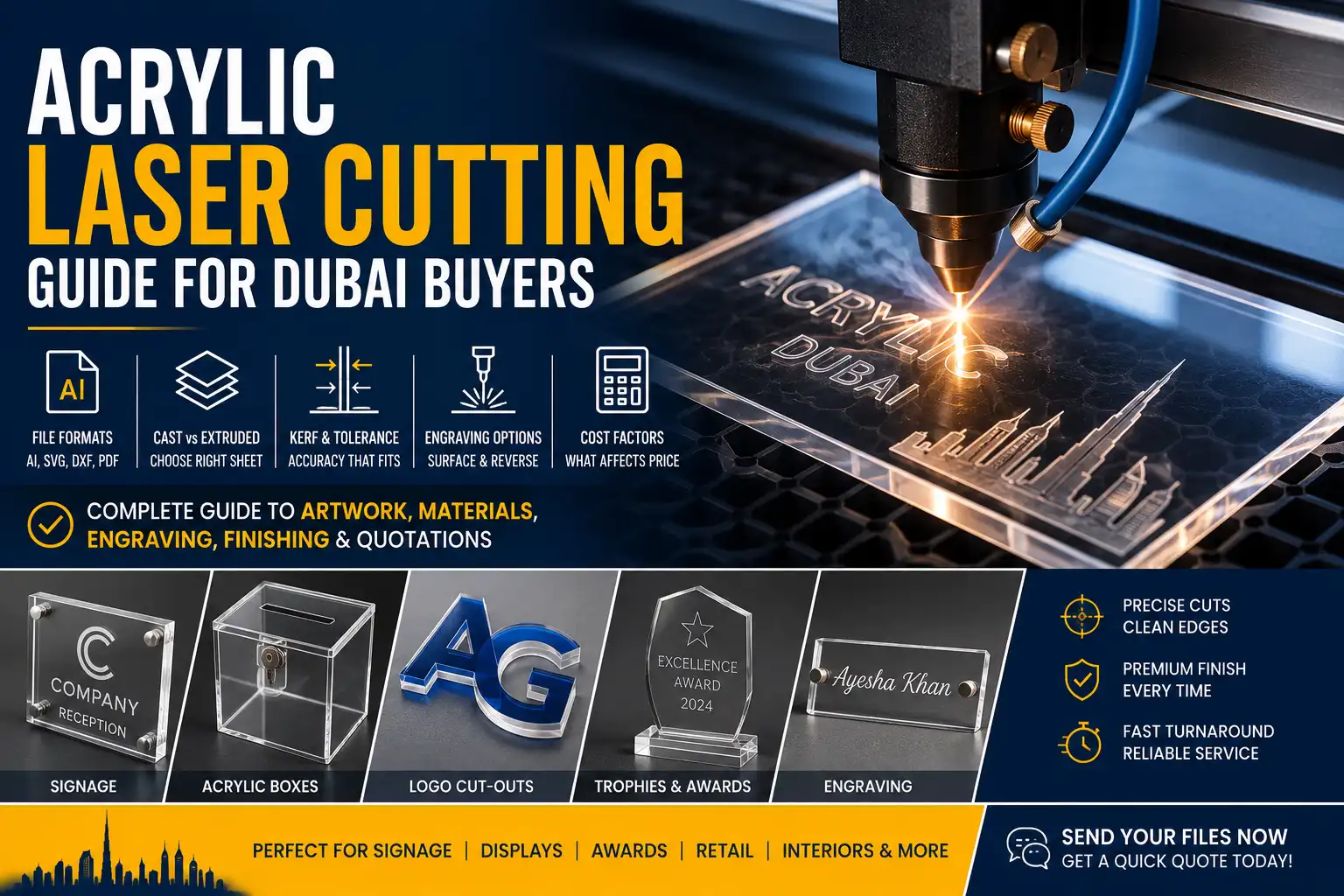
For this reason, the workshop should produce and test a sample first. Acrylic laser cutting and engraving in Dubai can also create shaped panels, logos and permanent text around the QR display.
Replaceable Printed Insert
A printed insert gives businesses more control when links or campaigns change.
Staff can replace the card while keeping the acrylic holder. Therefore, this option suits menus, Wi-Fi codes, seasonal offers and temporary payment links.
Sticker or Vinyl Panel
A sticker can update an existing stand without replacing the full unit.
However, it must remain flat and free from air bubbles. Scratches, lifted edges and dirt may reduce both appearance and scan quality.
One QR Code or Several?
Single-Code Stand
A single-code display gives customers one clear action.
It works best for:
- Menus
- Payment
- Reviews
- Bookings
- Wi-Fi
- Product catalogues
The instruction should explain exactly what will open.
Multi-Code Stand
A multi-code stand may include options for a menu, Wi-Fi, Instagram and reviews.
Although this saves counter space, each code needs a clear label and enough separation. Customers should not need to guess which symbol belongs to which action.
Avoid making every code too small just to fit the layout.
Landing-Page QR Code
One code can open a mobile page containing several buttons. This creates a cleaner acrylic stand.
For example, the landing page may include:
- View Menu
- Book a Table
- Join Wi-Fi
- Contact on WhatsApp
- Leave a Review
However, the page must load quickly and remain easy to use on a phone.
Writing a Clear Call to Action
The instruction beside the code should take only a moment to read.
Useful examples include:
- Scan to View Menu
- Scan to Pay
- Leave Us a Google Review
- Book an Appointment
- View Our Catalogue
- Join Our Wi-Fi
- Follow Us on Instagram
- Scan for Product Details
Avoid vague text such as “Scan Here” when the customer cannot tell what will happen next.
Also, do not place a long paragraph beside the symbol. Extra text can make the code smaller and the stand harder to understand.
Branding Without Affecting Scanning
A QR stand should match the company identity. However, branding must not reduce scan quality.
Keep the following points in mind:
- Place the logo above or below the code.
- Keep the quiet zone clear.
- Use brand colours around the display.
- Avoid stretching or cropping the symbol.
- Do not place a large logo over the code.
- Use clean vector artwork.
- Keep background patterns outside the scanning area.
A small central logo may work in some QR designs because QR codes include error correction. Even so, production teams should never assume the code will work without testing.
Arabic and English QR Stand Layouts
Many Dubai businesses need both English and Arabic instructions.
Start by deciding which language appears first. Then keep both messages short and balanced.
Example:
Scan to View Menu
امسح الرمز لعرض القائمة
The design should also respect the different reading directions. Arabic runs from right to left, while English runs from left to right.
Do not reduce the QR code size just to fit more wording. Instead, shorten the instructions or increase the overall display size.
Before printing, check:
- Arabic spelling
- English spelling
- Text alignment
- Font clarity
- QR code size
- Logo position
- Final reading order
Placement and Scanning Height
The stand should sit where customers naturally pause.
Suitable locations include:
- Restaurant table centre
- Payment counter
- Reception desk
- Clinic waiting area
- Hotel room desk
- Retail product display
- Exhibition enquiry counter
Avoid placing the stand behind equipment or other printed materials.
Customers should not need to bend over, stretch or pick up the sign to scan it. A slight backward angle may also improve visibility on a counter.
Preventing Glare and Reflection
Acrylic has a smooth surface, so strong lights can create reflections.
To reduce glare:
- Test the stand under the actual lighting.
- Tilt the display slightly when necessary.
- Keep mirror acrylic away from the scanning area.
- Use a white or matte printed backing.
- Avoid placing the stand directly against a bright window.
- Clean fingerprints from the surface.
- Test the QR code from more than one angle.
A code that scans in a workshop may behave differently under a restaurant spotlight or beside a sunny window.
Stability and Daily Handling
Acrylic QR stands often sit on marble, glass, wood or laminate counters.
The base should remain wide enough to support the display height. Anti-slip feet can also reduce movement.
The design should include:
- A stable base
- Suitable acrylic thickness
- Finished edges
- Rounded corners where needed
- Strong bends or joints
- Easy cleaning access
- Safe customer-facing surfaces
A tall face on a narrow base may tip when staff move it or customers touch it.
Visible edges should also feel smooth. Edge polishing and finishing in Dubai can improve exposed acrylic edges where the selected production method requires additional finishing.
Testing Before Bulk Production
Testing should use the final artwork, material and lighting conditions.
Scan the completed sample with:
- iPhones
- Android phones
- Older phone cameras
- Newer phone cameras
- Bright lighting
- Lower indoor lighting
- The expected scanning distance
- The final acrylic backing
- The protective film removed
Also open the complete link. Do not stop after the camera recognises the code.
Confirm that the destination:
- Loads correctly
- Works on mobile
- Does not require an unexpected login
- Shows the correct menu or profile
- Uses the correct payment account
- Opens the right branch details
- Has not expired
This check becomes especially important before producing stands for several branches.
Production warning: approve one finished sample before confirming a large order. Test the actual printed code, acrylic surface, lighting and destination link together.
Error Correction Does Not Replace Good Printing
QR codes contain error-correction features. Depending on the selected level, the code may remain readable even when part of it becomes dirty or damaged.
DENSO WAVE explains that QR technology can restore data when part of the symbol is affected. However, businesses should not depend on error correction to cover poor artwork.
A scratched, faded or incomplete code should be replaced. Likewise, staff should keep the scanning area clean and free from stickers or tape.
Common QR Stand Mistakes
Common problems include:
- QR code printed too small
- Missing quiet zone
- Weak colour contrast
- Strong glare
- Incorrect destination link
- Expired menu page
- Outdated payment account
- Too many codes without labels
- Low-resolution QR artwork
- Decorative graphics covering the code
- Stand placed too far away
- No testing before bulk production
- Permanent printing for a link that changes often
Most of these issues can be corrected before production. Therefore, approve one complete sample first.
What Affects Acrylic QR Stand Cost in Dubai?
The final price depends on the complete specification.
Main cost factors include:
- Overall stand size
- Acrylic thickness
- Clear, white, coloured or mirror finish
- Single-sided or double-sided design
- UV printing
- Laser cutting or engraving
- Replaceable insert system
- Number of QR codes
- Order quantity
- Arabic and English printing
- Branch-specific details
- Individual packaging
- Urgent production
- Delivery to multiple locations
A basic clear L-shaped stand requires less production work than a double-sided branded display with several codes, printed inserts and individual branch details.
Acrylic QR Stand Quotation Checklist
Before requesting a quotation, prepare:
- Business type
- Display location
- QR code purpose
- Required stand size
- Single-sided or double-sided format
- Acrylic colour and finish
- Company logo
- Arabic and English wording
- Final QR code file
- Destination link
- Printing or engraving preference
- Fixed or replaceable code
- Required quantity
- Branch-specific information
- Delivery date
- Reference image
Clear information helps the fabricator recommend the right stand format, acrylic finish and branding method.
Why Local Fabrication Matters
Local production makes artwork changes and scan testing easier.
It also supports:
- Arabic and English proofing
- Branch-specific QR codes
- Sample approval
- Replacement inserts
- Matching future stands
- Reprinting damaged graphics
- Bulk packaging
- Delivery to several Dubai locations
For restaurants, hotels, clinics, salons, offices and retail counters, view custom acrylic QR code stands in Dubai.
Planning a Custom Acrylic QR Stand?
Share the required stand size, acrylic colour, QR code file, destination link, logo, wording, quantity and delivery date. Acrylic Gallery Plus can prepare branded tabletop signs, double-sided stands, replaceable insert holders and branch-specific QR displays.
View Acrylic Display Stand ServicesFrequently Asked Questions
What size should a QR code stand be?
The stand size depends on the scanning distance, amount of text, branding and location. A table display may be smaller than a wall-mounted or entrance sign.
What is the quiet zone around a QR code?
The quiet zone is the clear margin surrounding the QR symbol. Official QR guidance calls for a margin four modules wide on every side.
Can a QR code be laser engraved on acrylic?
Yes, but the engraved design needs enough contrast. The finished sample should be tested under the actual lighting before bulk production.
Is clear or white acrylic better for scanning?
White acrylic usually provides more stable contrast. Clear acrylic can also work well when the QR code has a white printed backing.
Can the QR code be replaced later?
Yes. A replaceable insert holder allows the business to update menus, payment codes, promotions or Wi-Fi details without replacing the acrylic stand.
Can one stand include several QR codes?
Yes, provided each code has a clear label, enough spacing and a suitable size. A single landing-page code may create a cleaner design.
Can the stand include Arabic and English text?
Yes. Keep both instructions short and check the spelling, layout and reading direction before printing.
Why does a QR code fail under bright light?
Strong reflection can cover parts of the QR symbol from the camera’s view. Changing the angle, background or surface finish may solve the problem.
Can businesses use a QR code to request Google reviews?
Yes. Google Business Profile provides eligible businesses with an option to share or download a review-request QR code.
Should I provide a PNG, SVG or PDF QR code?
A vector file such as SVG or a suitable PDF is usually best for clean scaling. A high-resolution PNG may also work when supplied at the final production size.
Can each branch have a different QR code?
Yes. Each stand can use a different menu, payment page, review profile or contact link while keeping the main design consistent.
What details are needed for an accurate quotation?
Provide the stand dimensions, acrylic colour, QR code file, destination link, text, logo, quantity, printing method and delivery date.
Conclusion
A good acrylic QR stand must scan quickly, stay stable and make the next action clear.
The code needs enough size, strong contrast and a clean quiet zone. Meanwhile, the stand should match the brand without placing decoration over the scanning area.
Before fabrication, confirm the destination link, display location and expected scanning distance. Then test one finished sample with several phones under the real lighting.
These checks reduce failed scans, incorrect links and costly reprints. They also help restaurants, hotels, clinics, salons, offices and retailers use QR displays with less confusion.
For branded tabletop signs, replaceable inserts and branch-specific production, visit acrylic QR stand fabrication in Dubai.